Back to documentation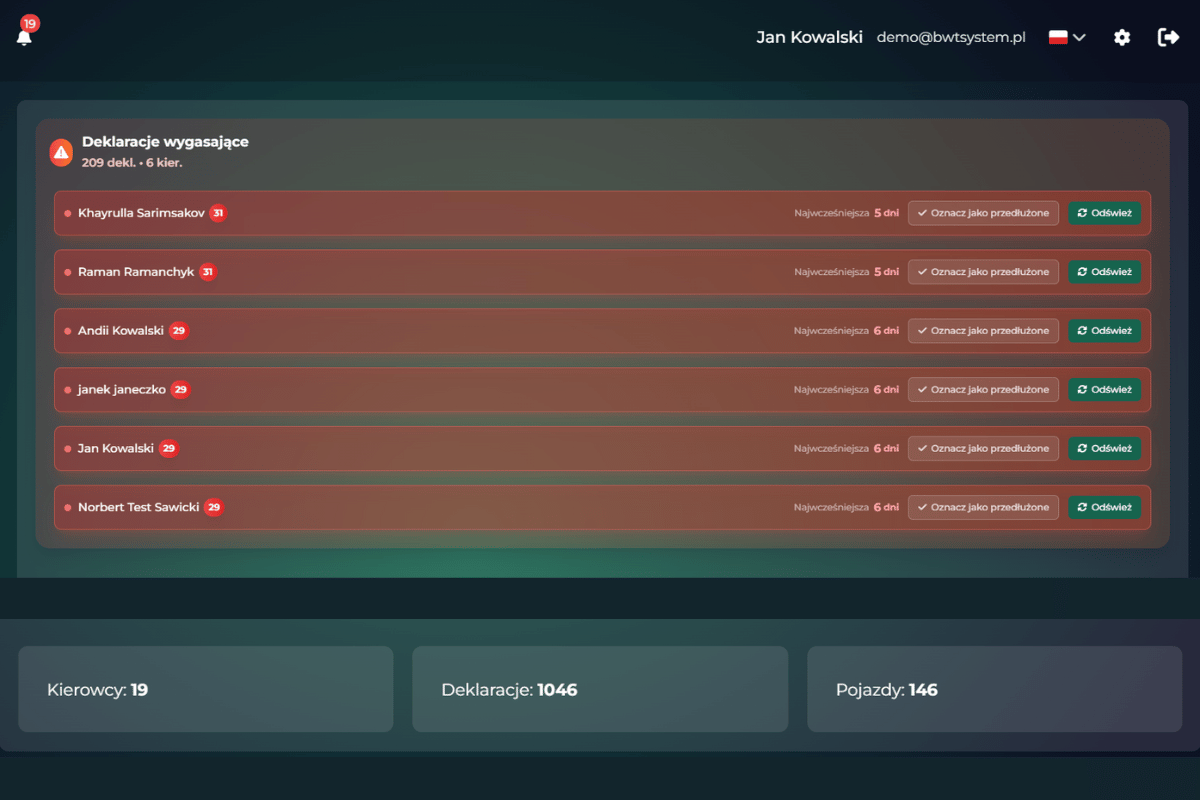
User Dashboard
Dashboard is the main view after logging in, presenting the most important information about your company.
Company statistics overview
The dashboard contains tiles with key statistics:
Active drivers
Number of drivers with active status
Vehicles
Total number of vehicles in the fleet
Total declarations
Total number of declarations in the system
Expiring documents
Documents requiring attention soon
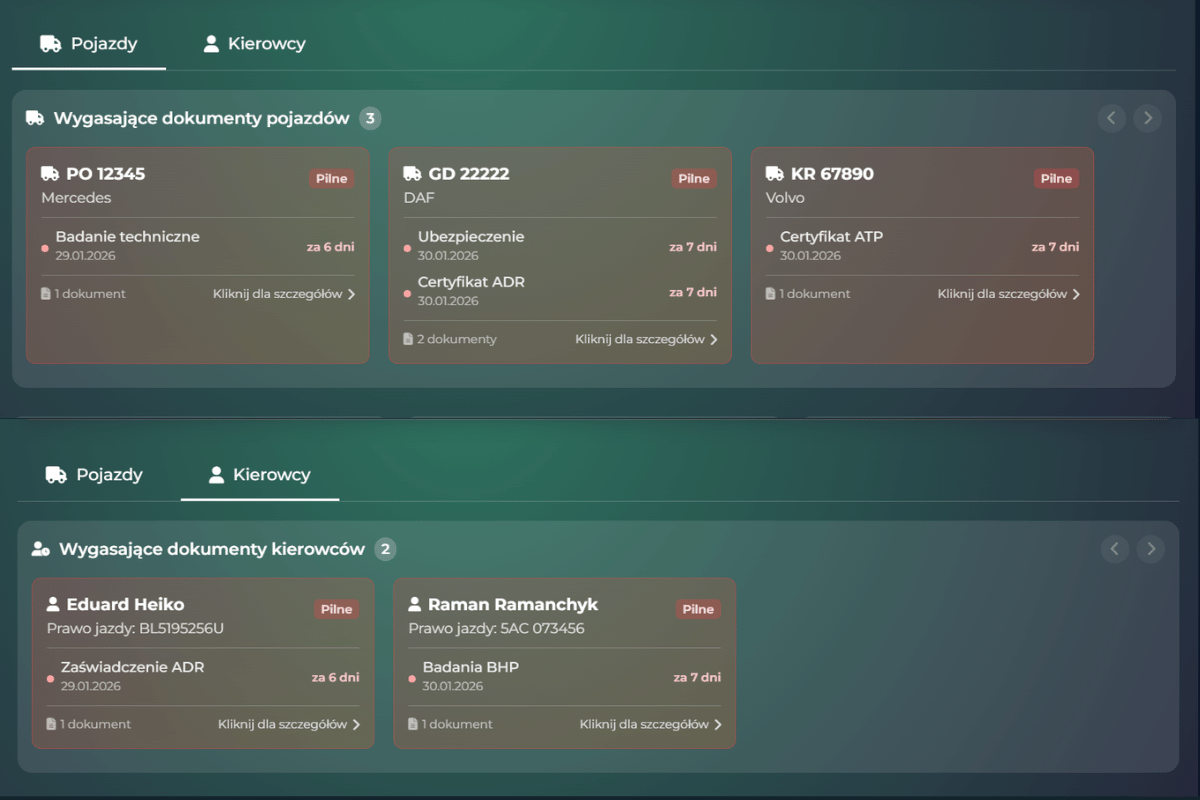
Expiring documents widget
The widget automatically shows documents expiring within 30 days:
- Driver's licenses
- Medical examinations
- Vehicle insurance (OC/AC)
- Vehicle technical inspections
- Posting declarations
- Click on a document to go to editing
- Red color indicates expired or expiring within 7 days
- Yellow color indicates expiring within 30 days
Quick actionsPlanowane
Dashboard offers quick action buttons for the most common operations:
New declaration
Quick creation of a new posting declaration
Add driver
Adding a new driver to the system
Add vehicle
Register a new vehicle in the fleet
New task
Create a reminder or task